制作pod私有库
一.Git准备两个仓库:
1.存放libs工程代码:
https://github.com/sophistWY/BaseTool.git
2.存放生成的podspec文件:
https://github.com/sophistWY/PrivatePods.git
二.创建并设置一个私有的Spec Repo:
目的:本地 cocopod 路径Localpod 与 git 云端关联
1
2
| # pod repo add [Private Repo Name] [对应的.git url]
$ pod repo add LocalPod https://github.com/sophistWY/PrivatePods.git
|
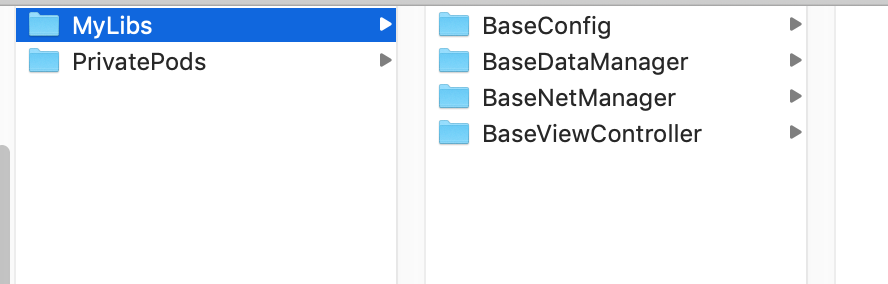
查看命令:
如下图:
三.创建PodLib:
1.创建存放的lib的目录:
2.cd到该目录下执行下面命令:
1
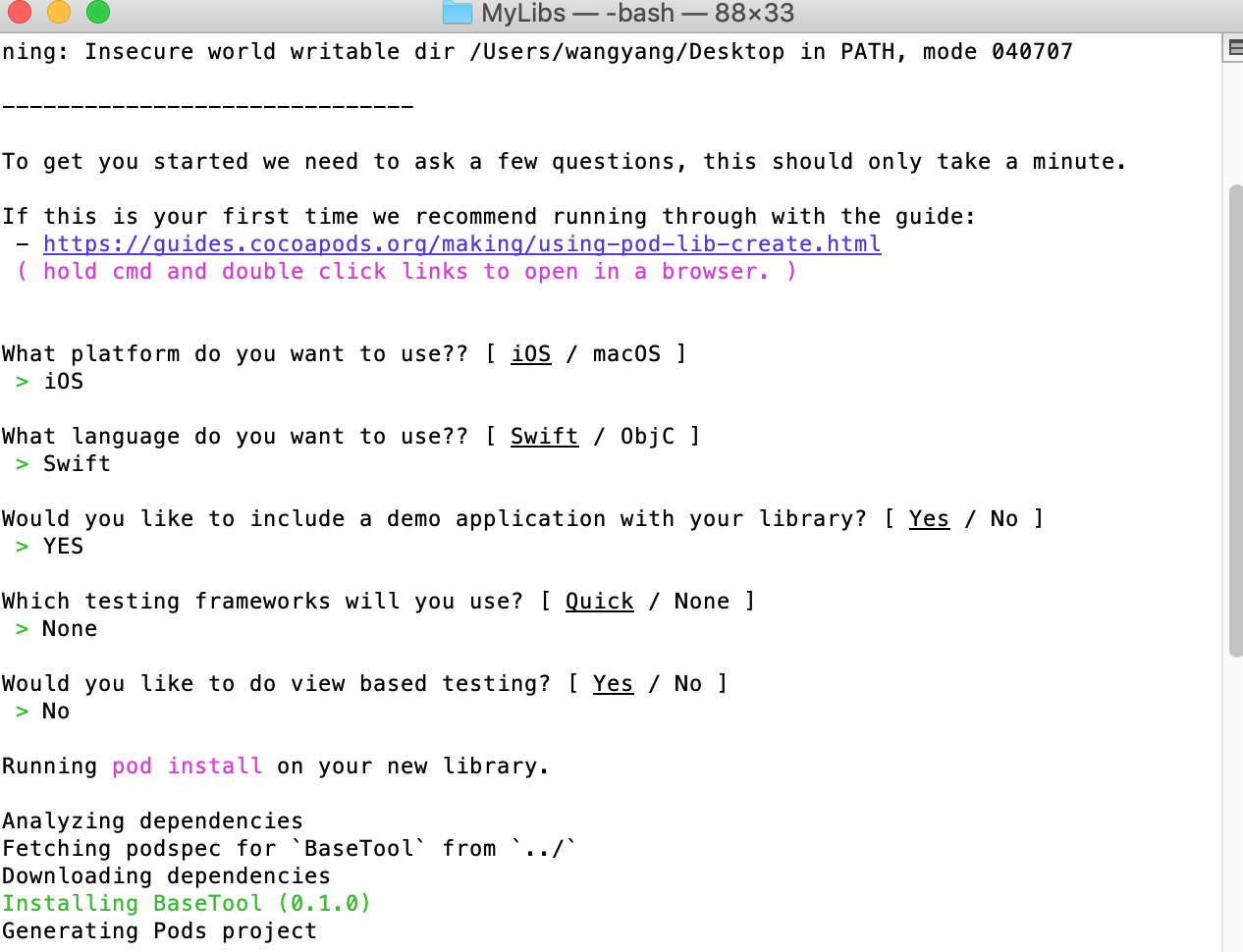
| $ pod lib create BaseTool
|
3.如下图交互:
4.打开Example工程编辑BaseConfig.podspec文件:
1
2
3
4
5
6
7
8
9
10
11
12
13
14
15
16
17
18
19
20
21
22
23
24
| s.name = 'BaseTool '
s.version = '0.1.0'
s.summary = 'demo of BaseTool.'
s.description = <<-DESC
TODO: 备注文字(较长描述)
DESC
s.requires_arc = true
s.homepage = 'https://github.com/sophistWY/BaseTool '
s.license = { :type => 'MIT', :file => 'LICENSE' }
s.author = = { 'sophistWY' => 'sophistwy@163.com' }
s.source = { :git => 'https://github.com/sophistWY/BaseTool.git', :tag => s.version.to_s }
s.ios.deployment_target = '7.0'
s.public_header_files = 'Pod/Classes/**/*.h'
s.frameworks = 'UIKit', 'MapKit'
s.dependency 'AFNetworking', '~> 2.3'
|
5.验证podspec:
1
2
3
4
5
6
7
8
9
| #测试podspec检查是否存在问题
$ pod lib lint
//通过结果
-> BaseTool (0.1.0)
BaseTool passed validation.
#如果有警告可以忽略
$ pod lib lint --allow-warnings
|
四.本地测试与上传工程代码:
1.cd到Example目录执行:
2.提交工程代码到git:
1
2
3
4
5
6
7
8
9
10
11
12
| #跳转到lib目录下
$ cd [libFolder]
$ git init
(** 推荐客户端操作 **
1.add Existing Repository 2. commit to master 3.push To public)
地址:https://github.com/sophistWY/BaseTool.git
**最后命令号提交tag**
$ git tag -m "release 0.1.0" "0.1.0"
$ git push --tags #推送tag到远端仓库
|
五.上传podspec代码:
1
2
3
| $ pod repo push LocalPod BaseTool.podspec
#如果有警告可以忽略
$ pod repo push LocalPod BaseTool.podspec --allow-warnings
|
六.使用私有库:
1
2
3
4
5
6
7
| #官方仓库的地址
source 'https://github.com/CocoaPods/Specs.git'
#我们自己的私有spec仓库的地址
source 'https://github.com/sophistWY/PrivatePods.git'
#使用私有库下的组件
pod 'BaseTool'
|
七.其他常用命令:
1
2
3
4
5
6
7
8
9
10
11
| # 提交本地库
$ pod repo push LocalPod MyLibrary.podspec
# 移除本地库
# pod repo remove [Private Repo Name]
$ pod repo remove LocalPod
移除本地仓库中的lib.podspec
1.前往~/.cocoapods/repos 将其对应文件夹文件夹删除
2.提交修改到git
3.pod repo update LocalPod
|
</div>